Travel information for Autistic and Neurodivergent customers

Buy train tickets to any destination in Britain – no booking fee

How to buy your train ticket

You can buy your train ticket on the SWR App or on our website. The SWR app and website can also give you information about planning your journey and you can view live departures from your station.

We do not offer seat reservations on any of our trains

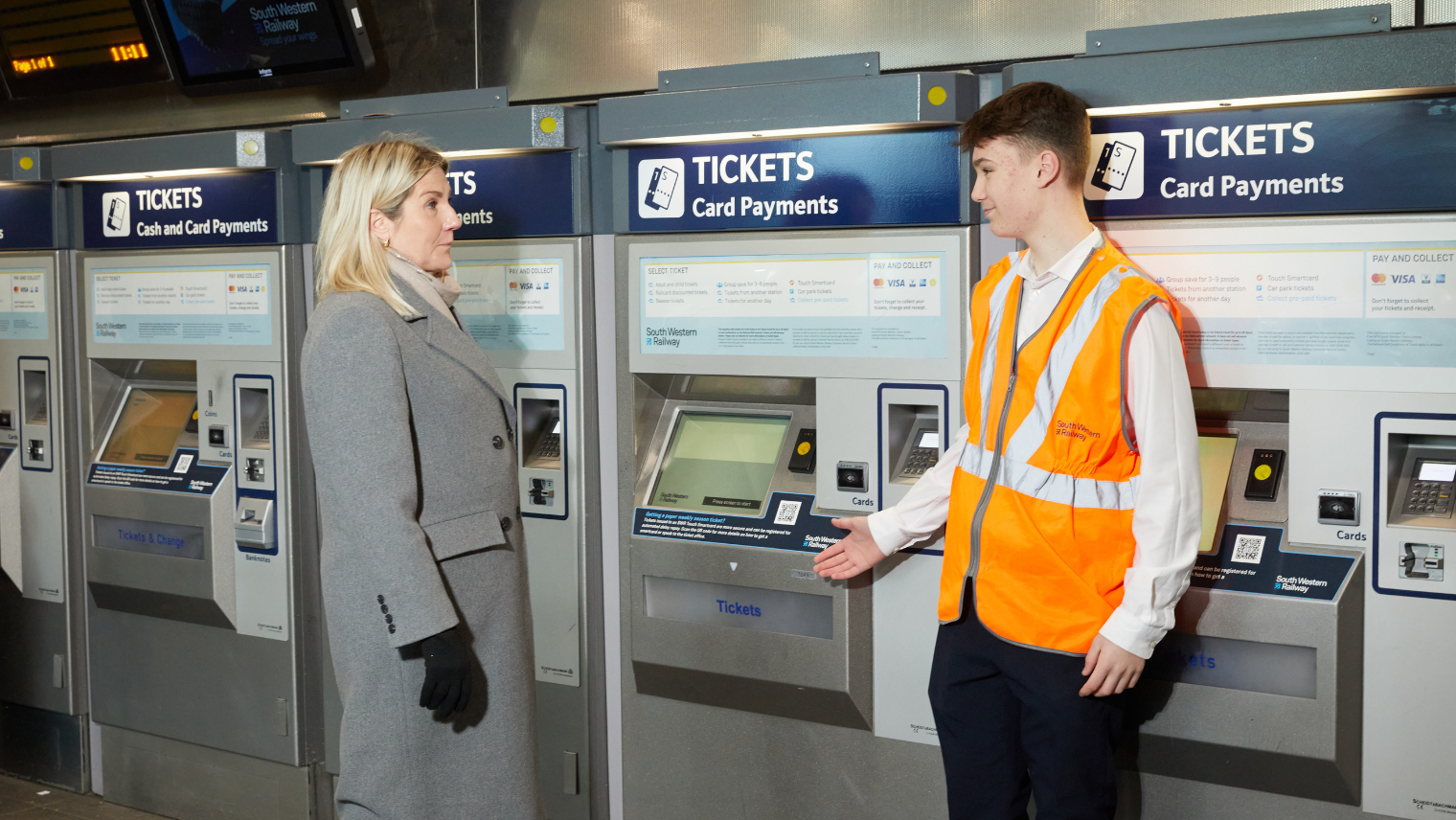
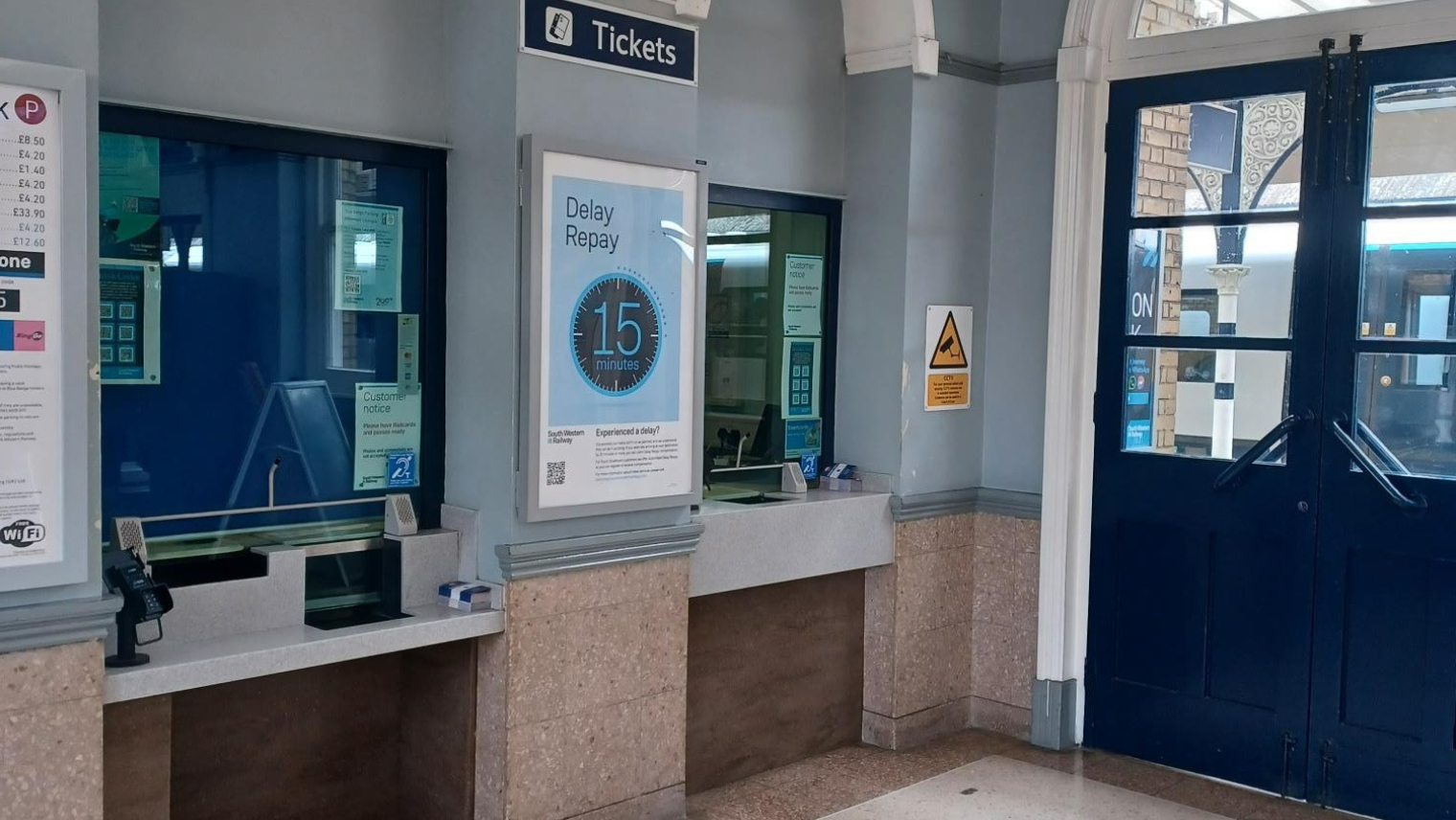
If you haven’t already got a train ticket you’ll need to buy one from either a ticket machine or the ticket office.

two people in front of a TVM machine

Ticket vending machine "TVM"

Train station ticket office

An example of ticket office

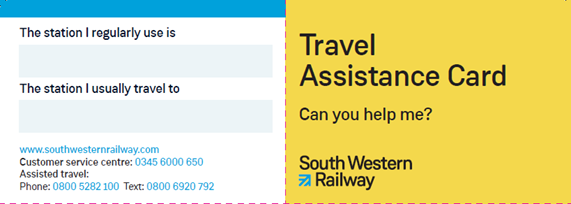
Travel Assistance cards

Travel assistance card

Our Travel Assistance cards – cards that people can use to indicate to transport staff that they need additional support while travelling – are available in most stations at the ticket office.

Or, get in touch with our Contact Centre. Click this link, and choose ‘Travel Assistance Forms’ from the dropdown menu.

How to find your platform

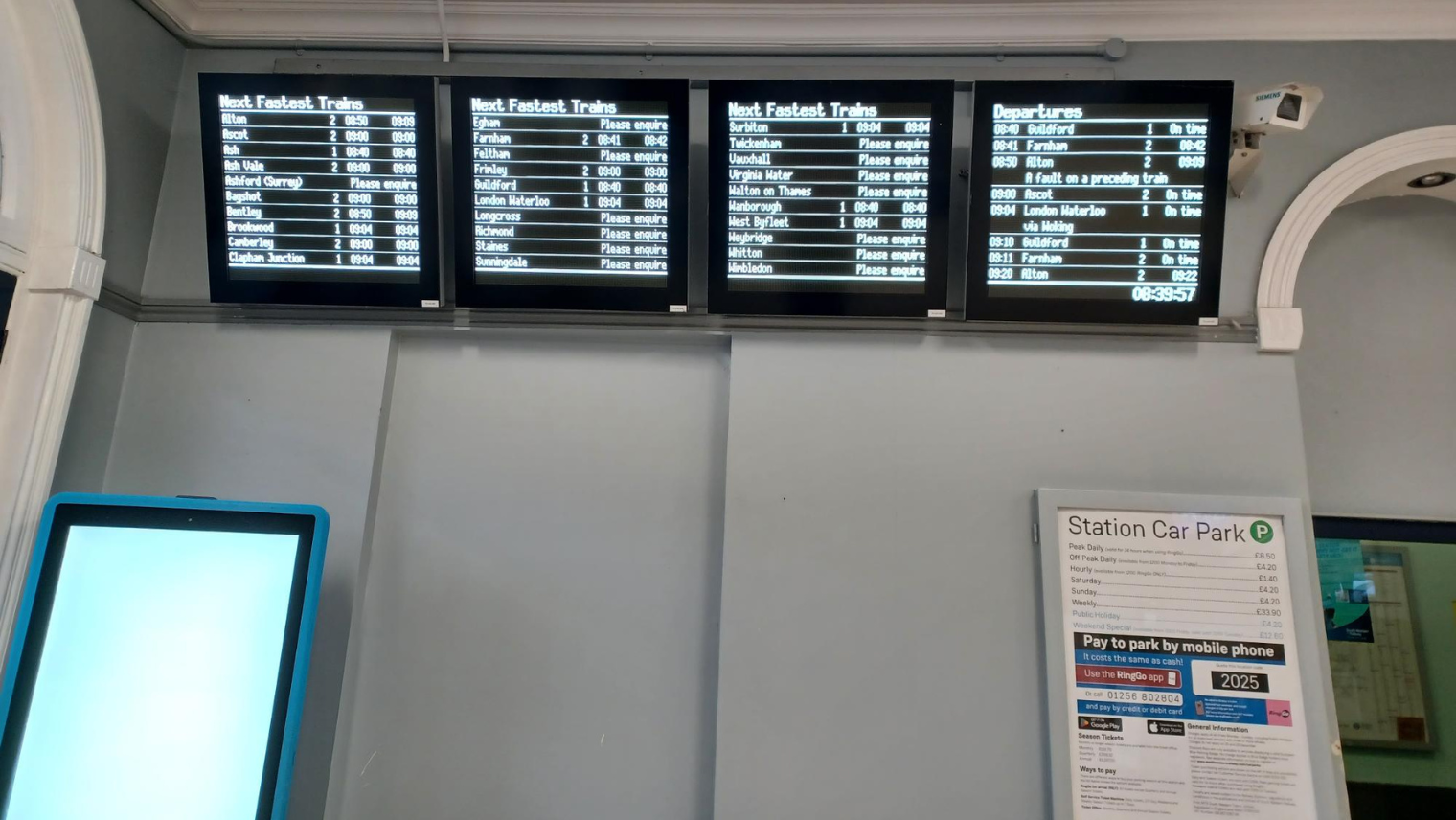
Once you have your ticket you’ll need to go to the platform to catch your train. You can find out which platform to go to by using the information boards in the ticket office.

You can also find this information on the SWR App.

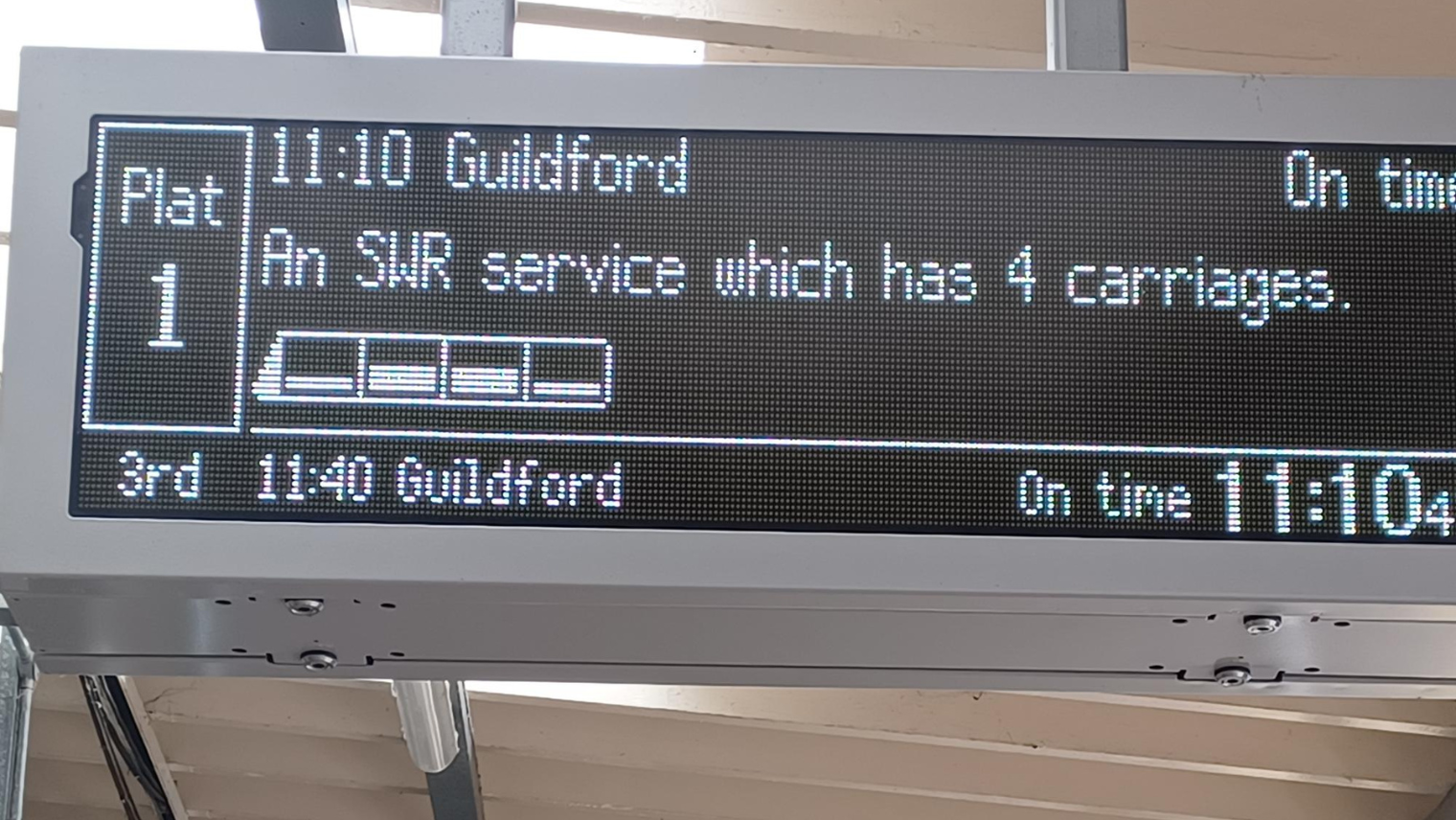
The most up to date information on which platform to go to, look at the screens or listen for announcements.

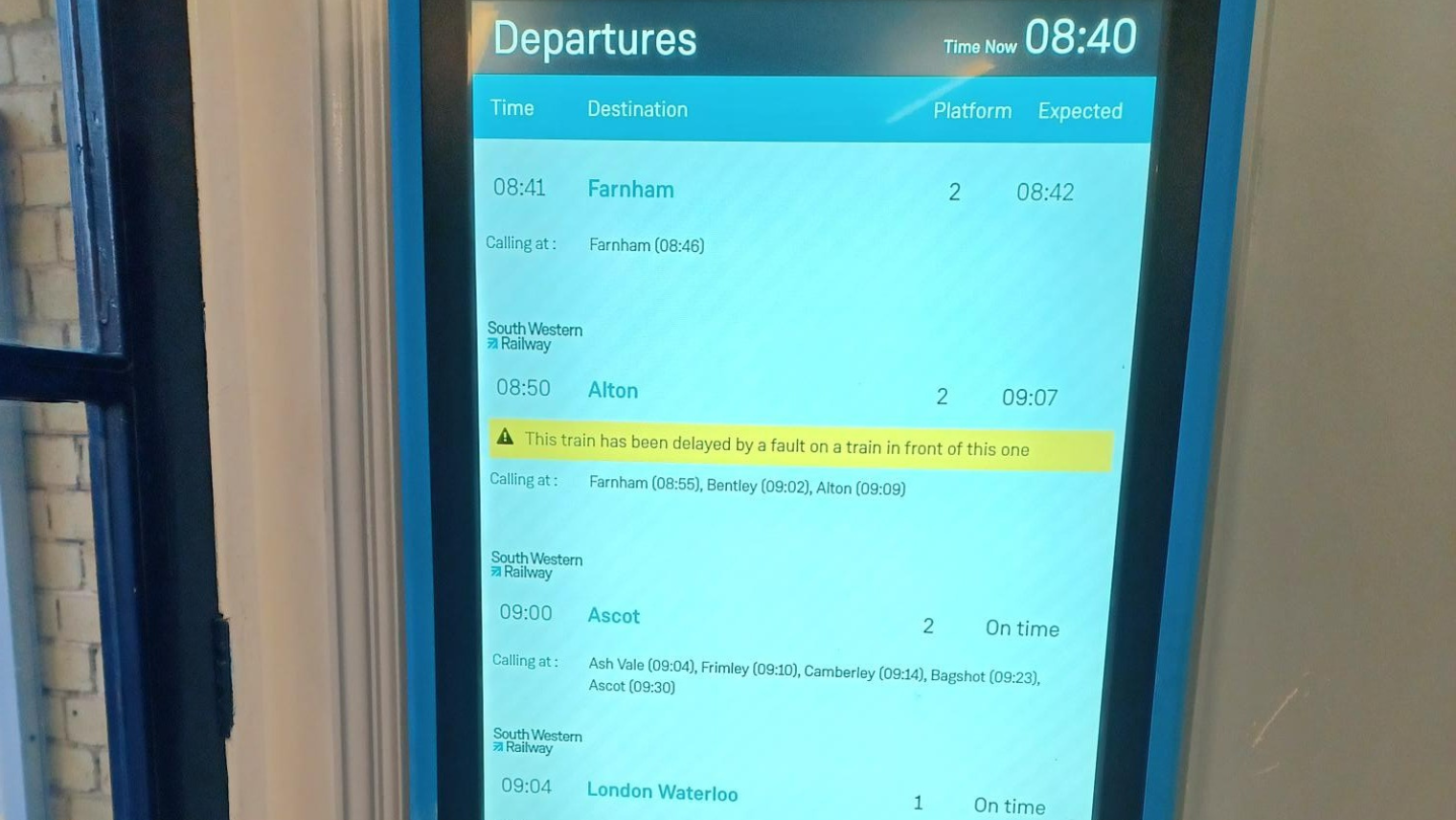
screen with information about train

Information screens

Train timetable show in a screen

How to go through ticket barriers

You can then get to the platform to catch your train once you pass through the ticket barriers.

  • If you have an eTicket, scan the QR code above the reader to open the ticket gate
  • If you’re in a contactless zone and wish to pay this way, touch your contactless card or mobile device on the card reader
  • If you have a paper ticket, insert it into a slot at the front of the barrier; the ticket will be scanned and then pop up on the top of the barrier, allowing you to take it and pass through the gate

Please note not all of our stations have ticket barriers, you can go straight to the platforms to catch your train.

If you need assistance, please ask a member of staff, who’d be happy to help.

Platform gate

Example of ticket barriers.

person in front of train gate

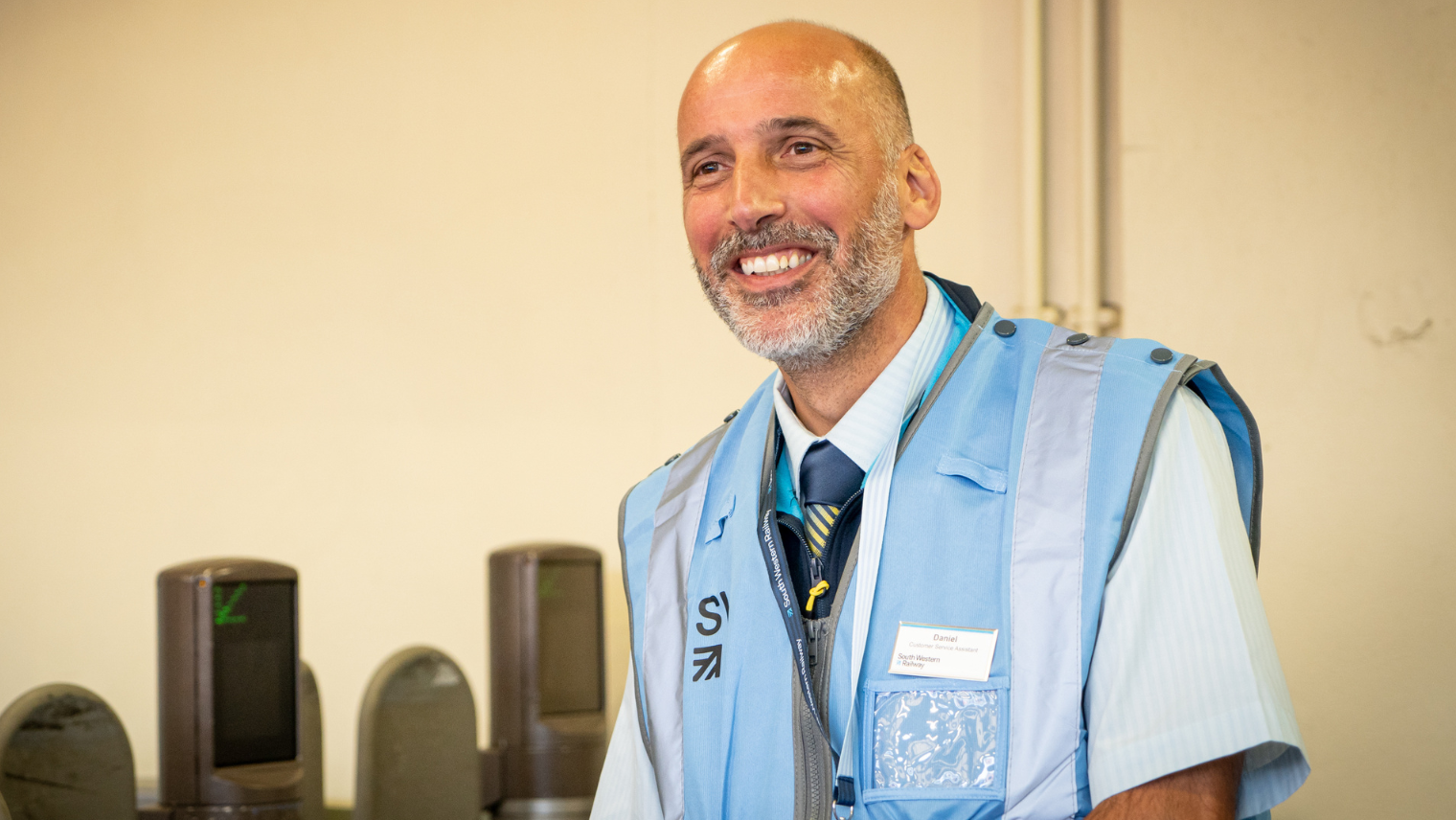
Example of member of staff.

What to do if there are no barriers at the station

Please note that not all of our stations have ticket barriers. If the station doesn’t have one and you’re using an SWR Smartcard, an Oyster card or contactless payment, make sure you tap your card on the validator at the entrance to the station.

If you have a paper ticket just go onto the platform and wait for your train.

ticket machine outside of the station

On the Platform

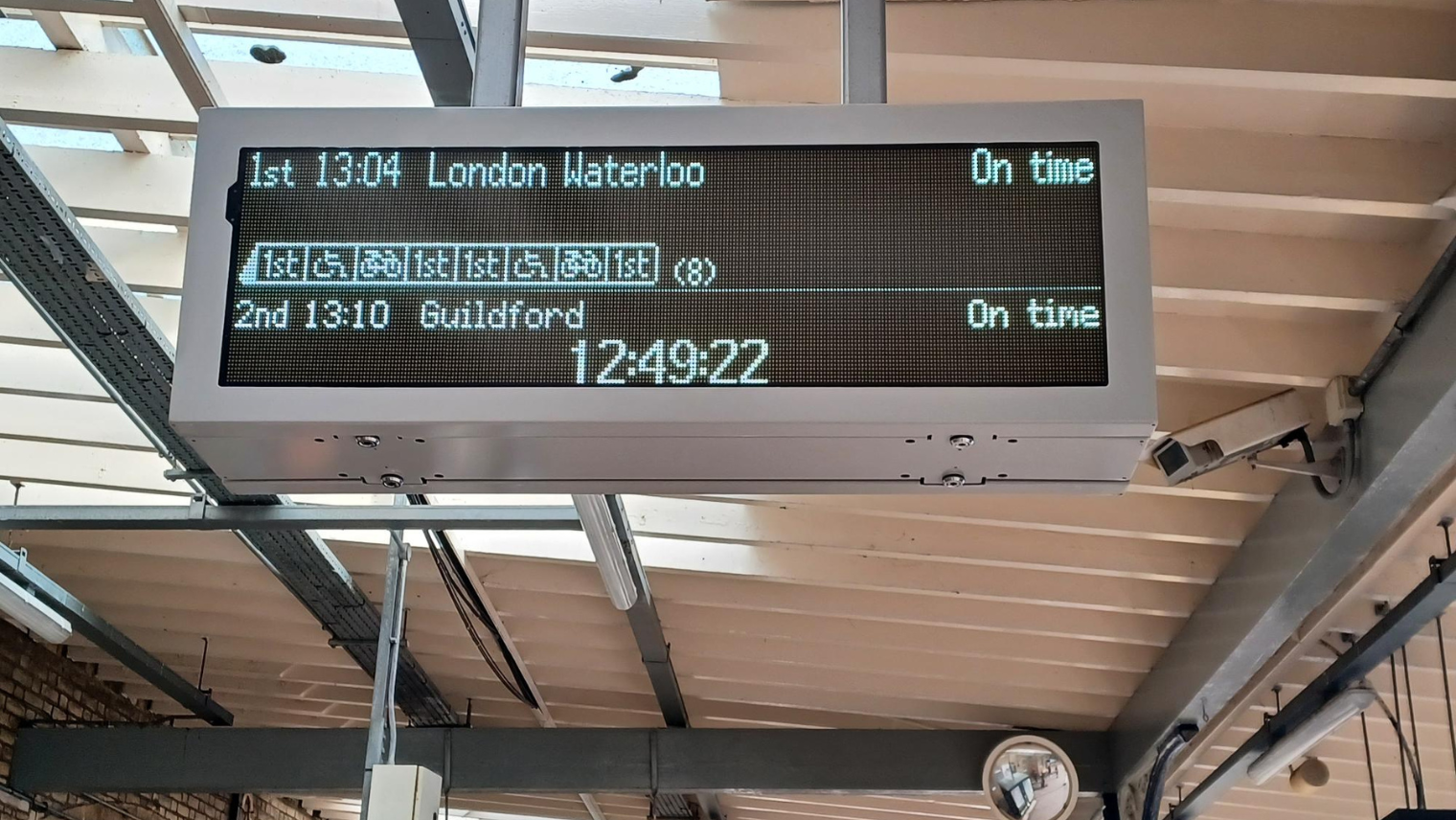
Once you’re on the platform you’ll see more information signs which tell you the next train coming into the platform. You can also use the SWR app to get this information.

screen with information about train
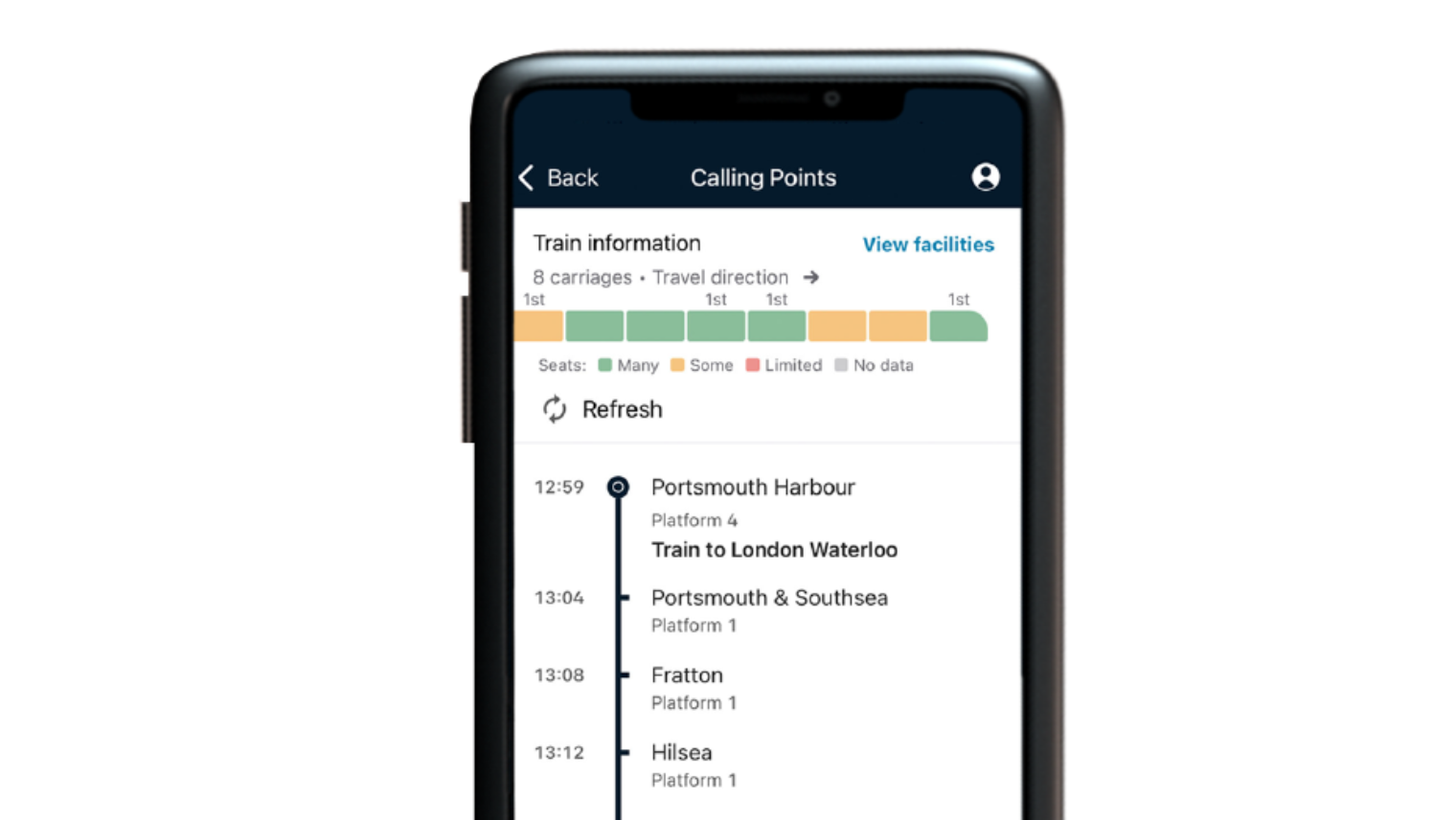
Travel information in the app

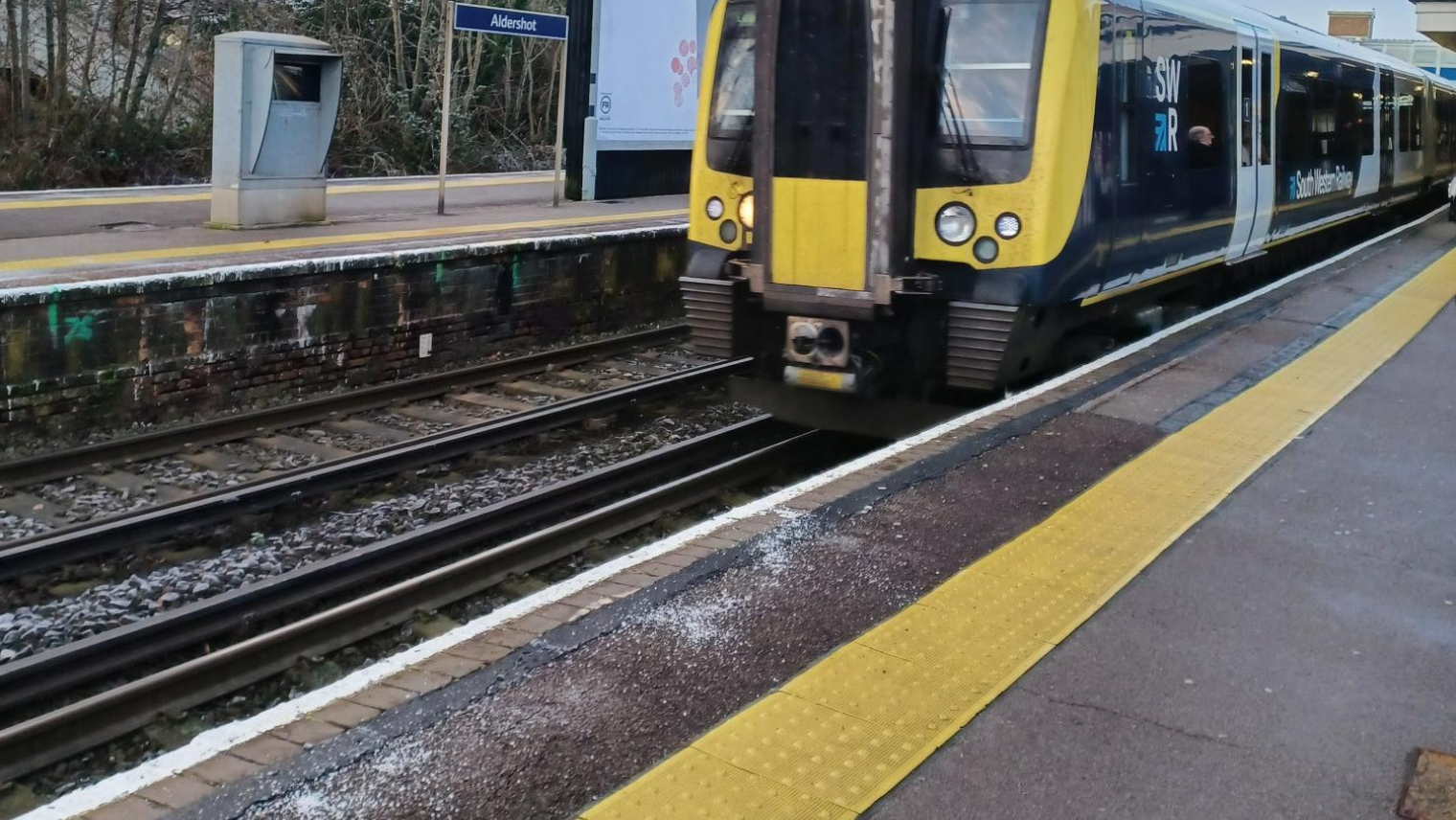
Make sure you stay behind the yellow line on the platform until the train stops.

Yellow line in a train platform

How to get on the train

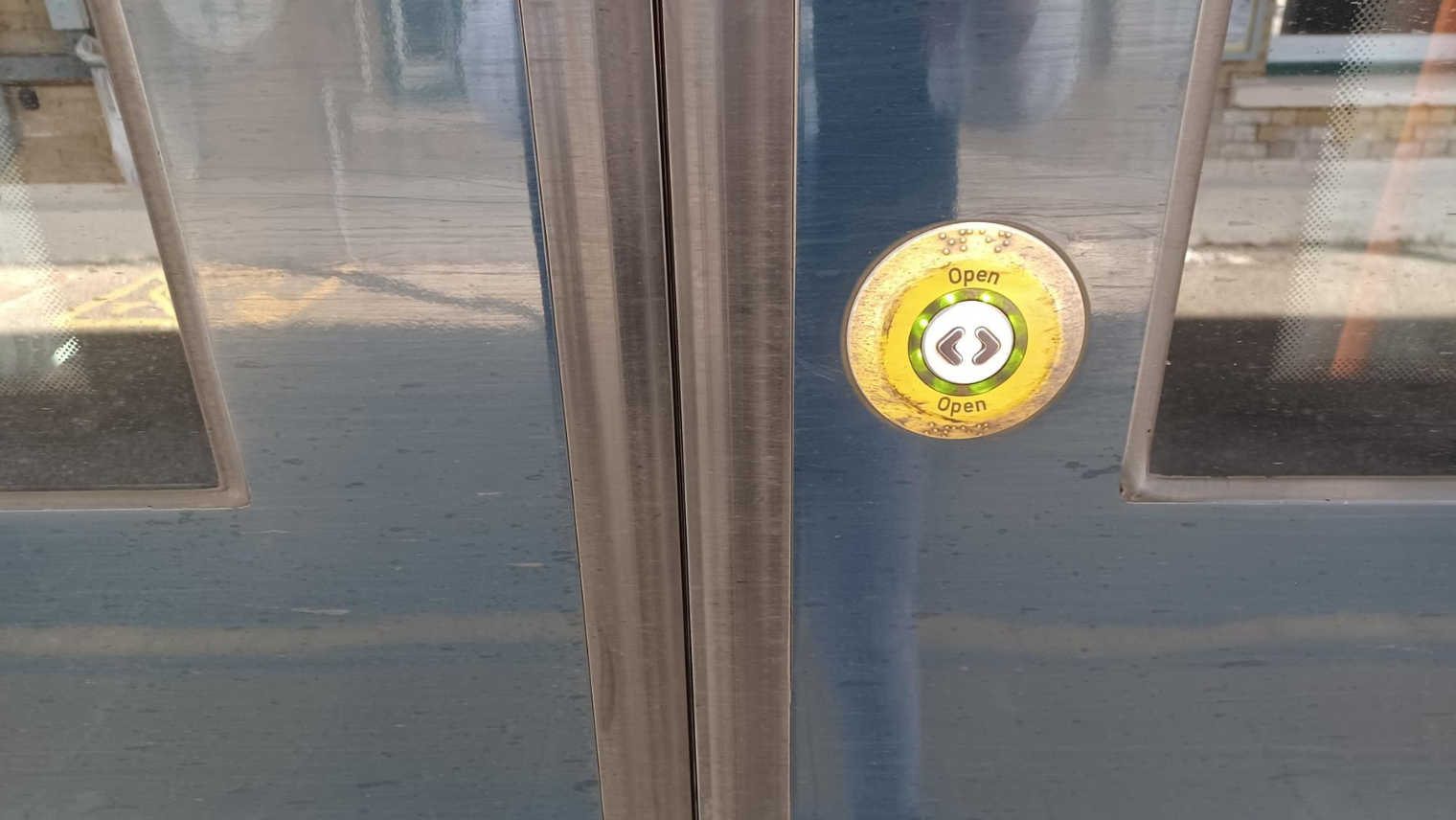
The train guard will get off the train. If the doors don’t open, press the round button on the doors to open them.

If you need any help, please ask the guard.

button on the door of the train

Let customers off the train first before you get on.

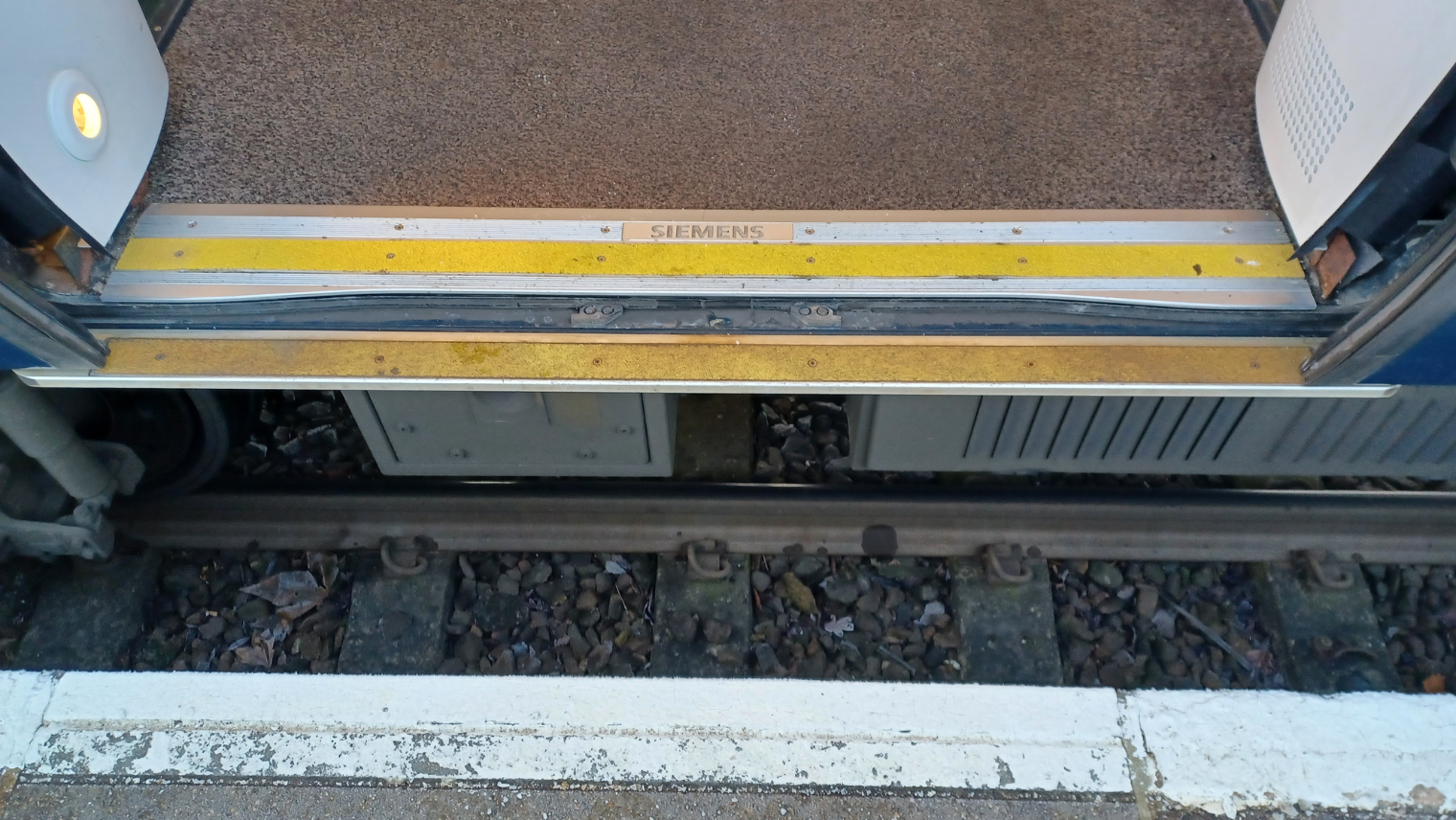
Mind the gap between the train and platform edge.

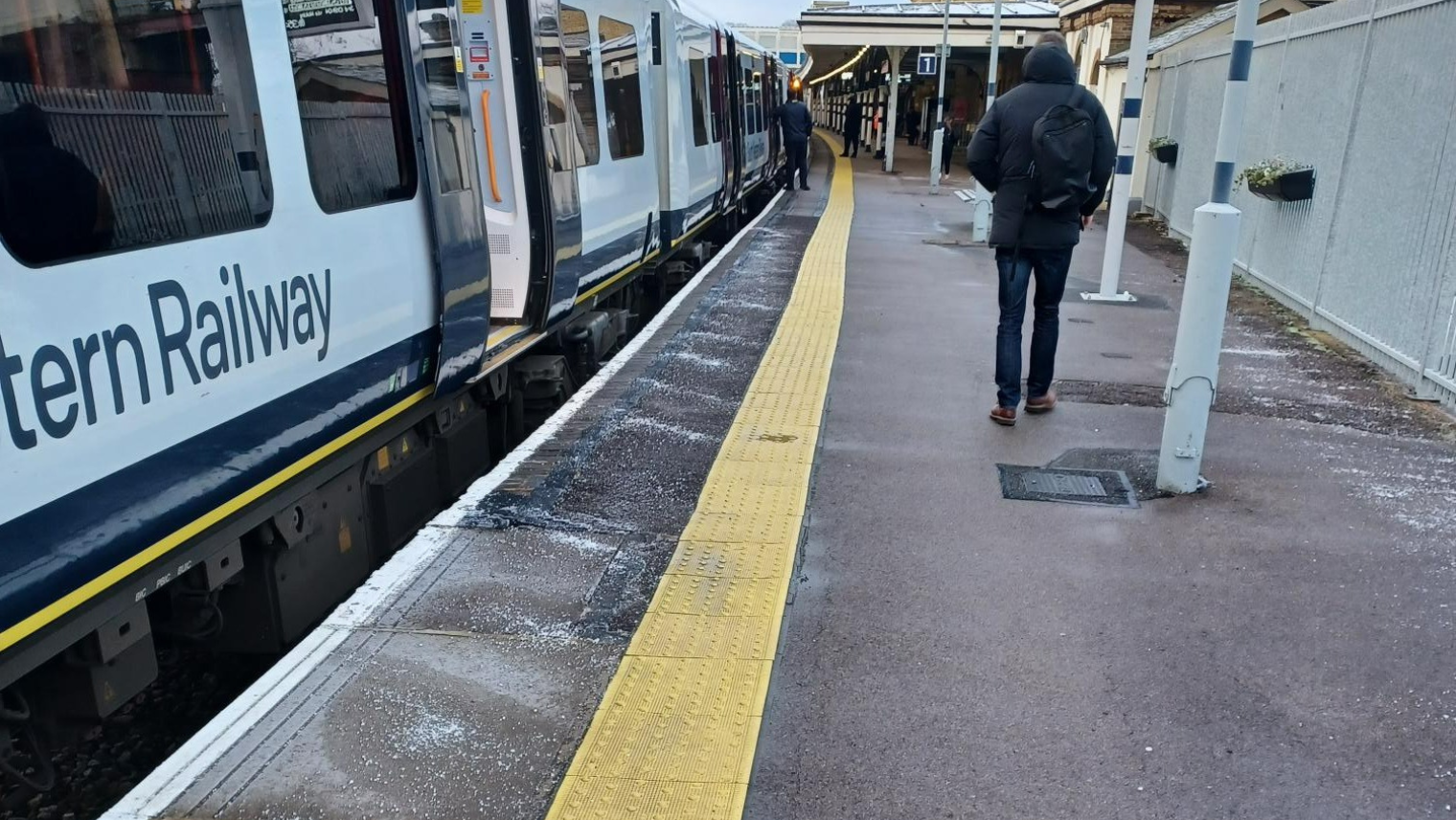
train platform

Yellow line on the platform.

Gap between the train and the platform

Gap between the train and the platform.

What to do if you need a seat

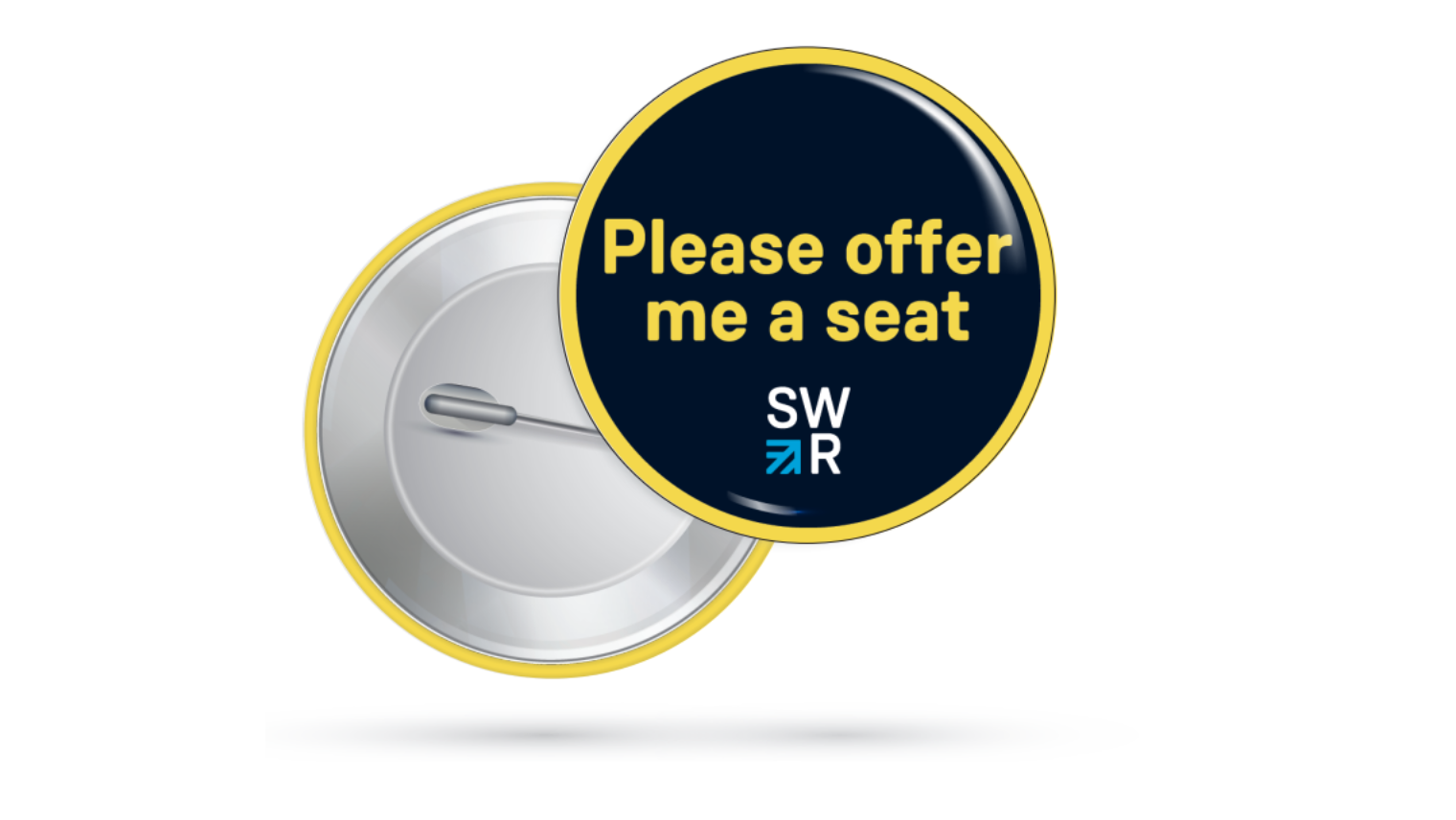
Find a seat on the train. If the train is really busy and you can’t stand on the train and you need a seat we have badges that will help you ask other people to give you their seat. You can get one at our ticket offices or from our Customer Contact Centre (Submit a request – SWR) and choose Merchandise.

Please offer me a seat badge

How to manage your journey onboard

We have different types of train, you can discover the different trains here.

Make sure you know which station you are getting off the train, there is a guard on the train who will be able to help you if you need help.
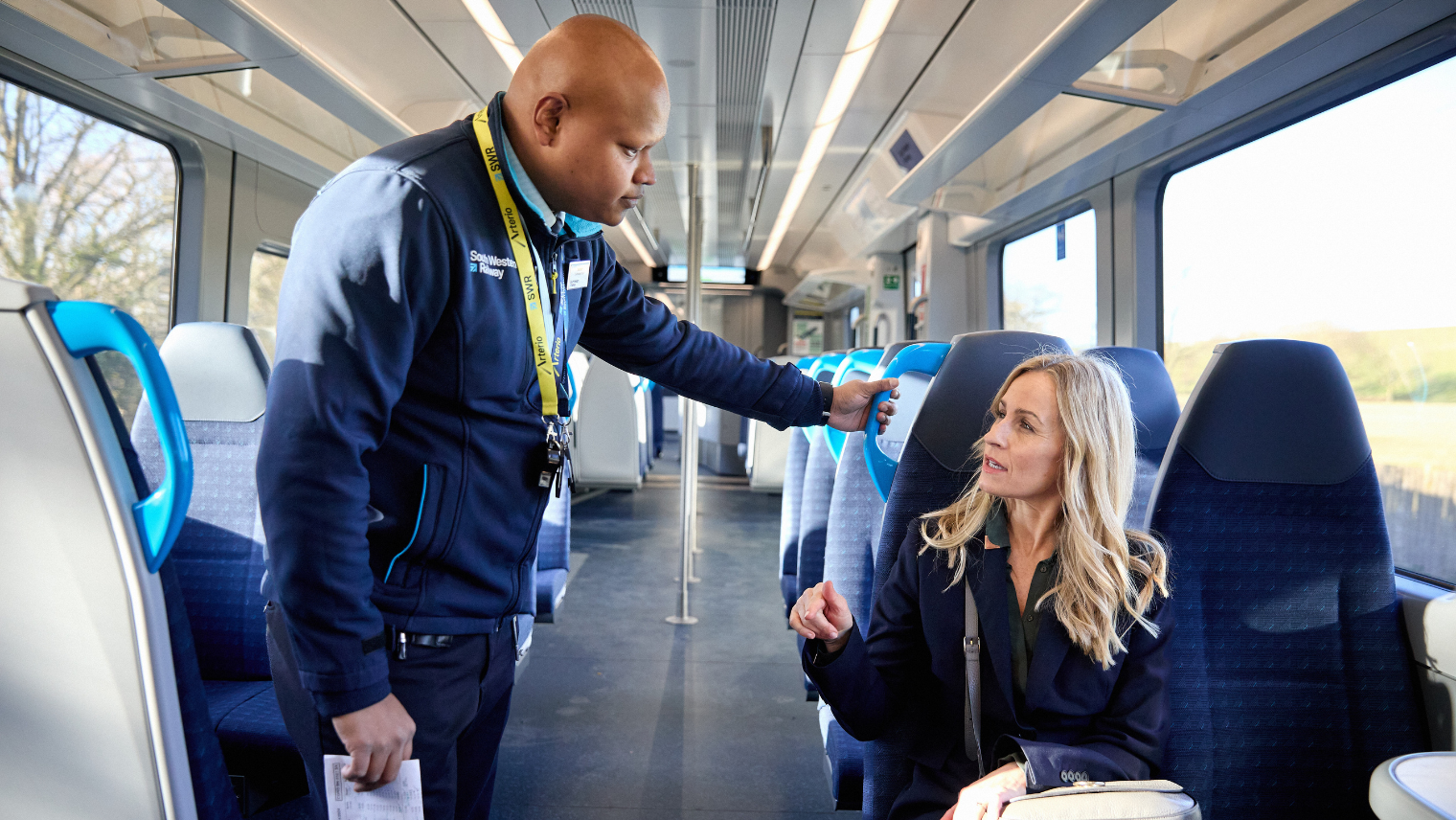
man assist a passenger on the train

Listen out for announcements on the train and there is a screen on the train which will tell you which station is next.
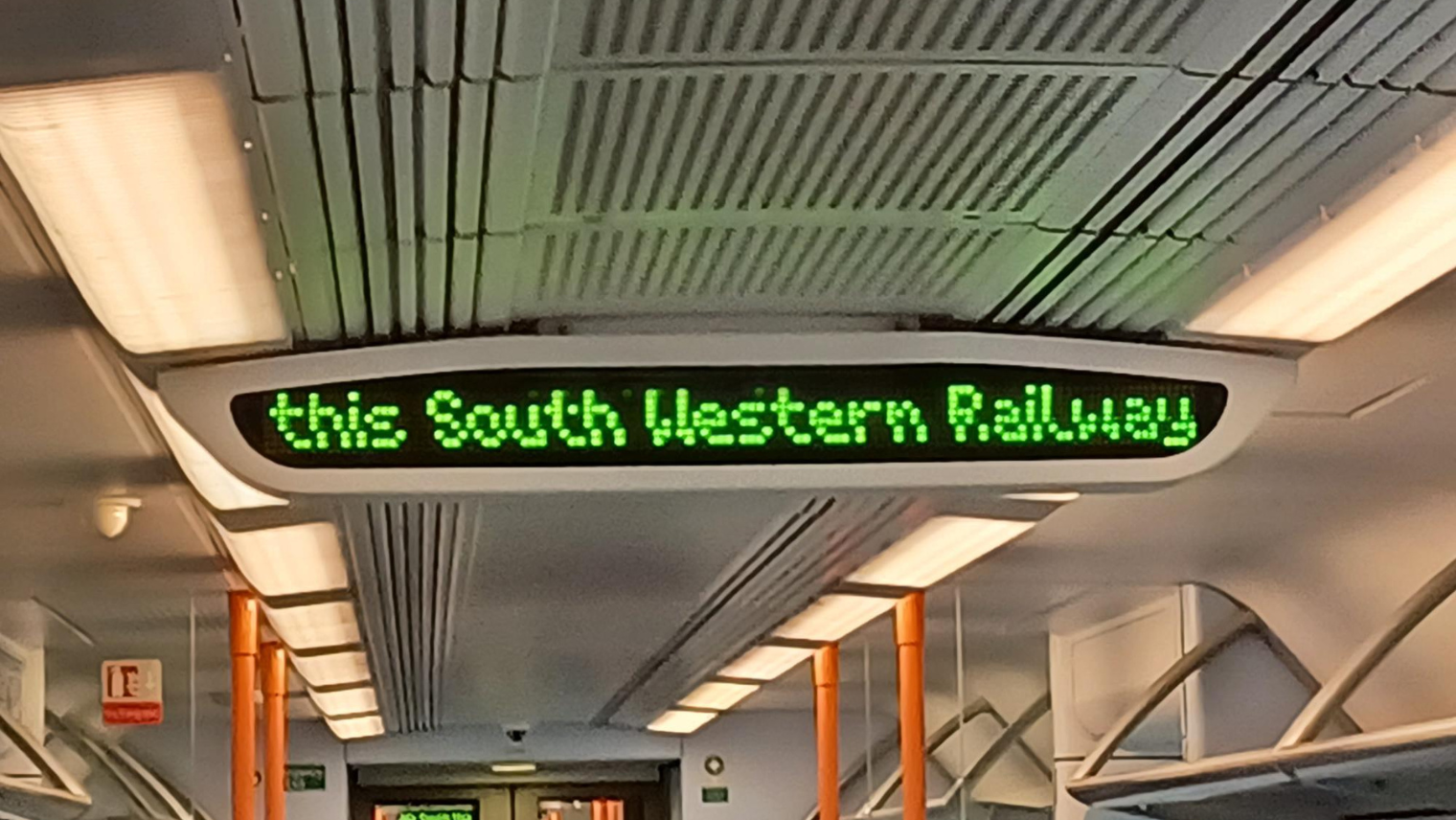
Display inside of the train with announcement

What do these stickers means on the station and on trains?

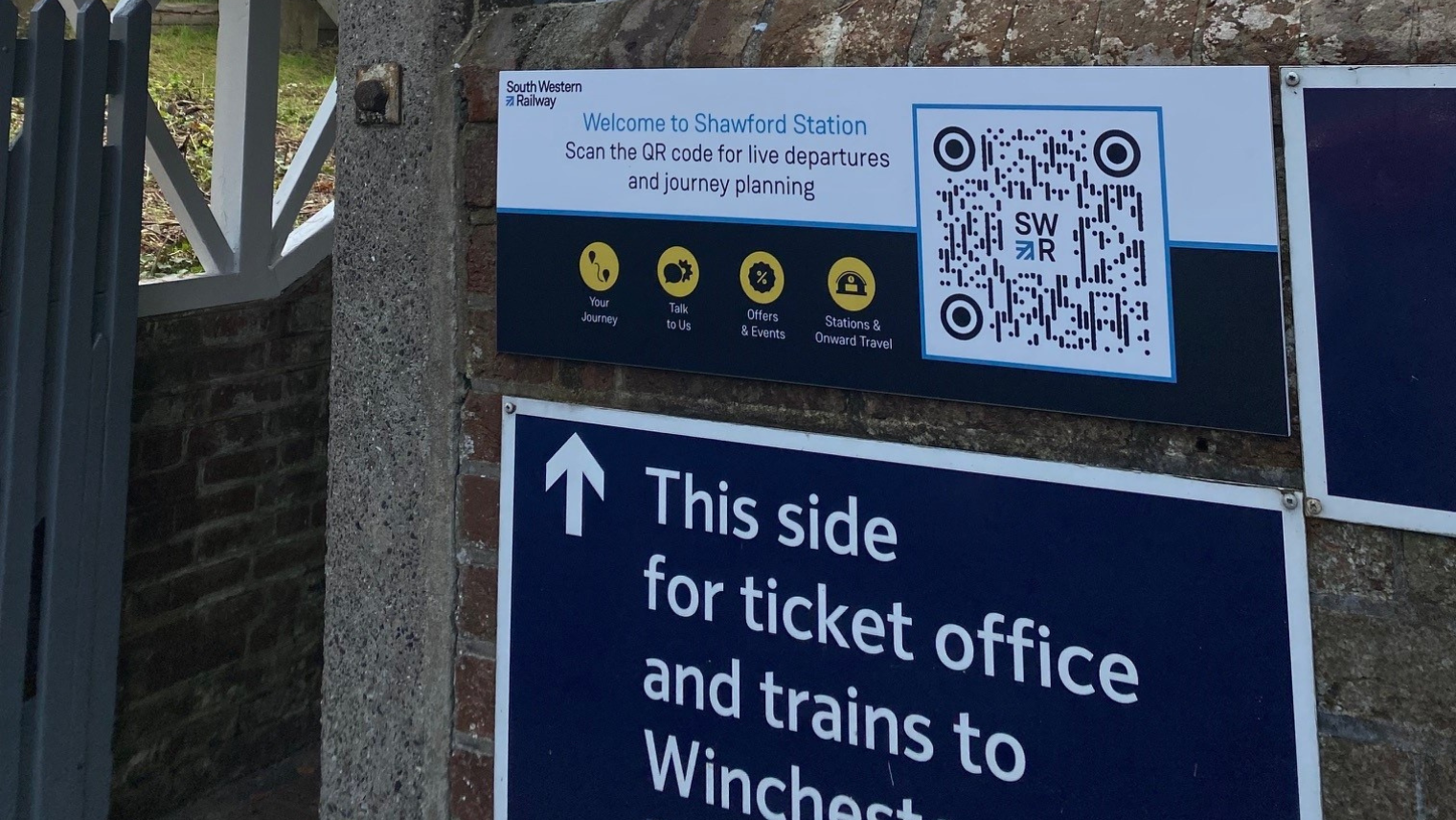
If you scan the QR code with your phone at a station it will give you all the information you need about trains leaving and arriving at the station and also information about the station. If you are on a train and see the sticker on the back of a seat you can scan it and find our information about the train and where you are on your journey.
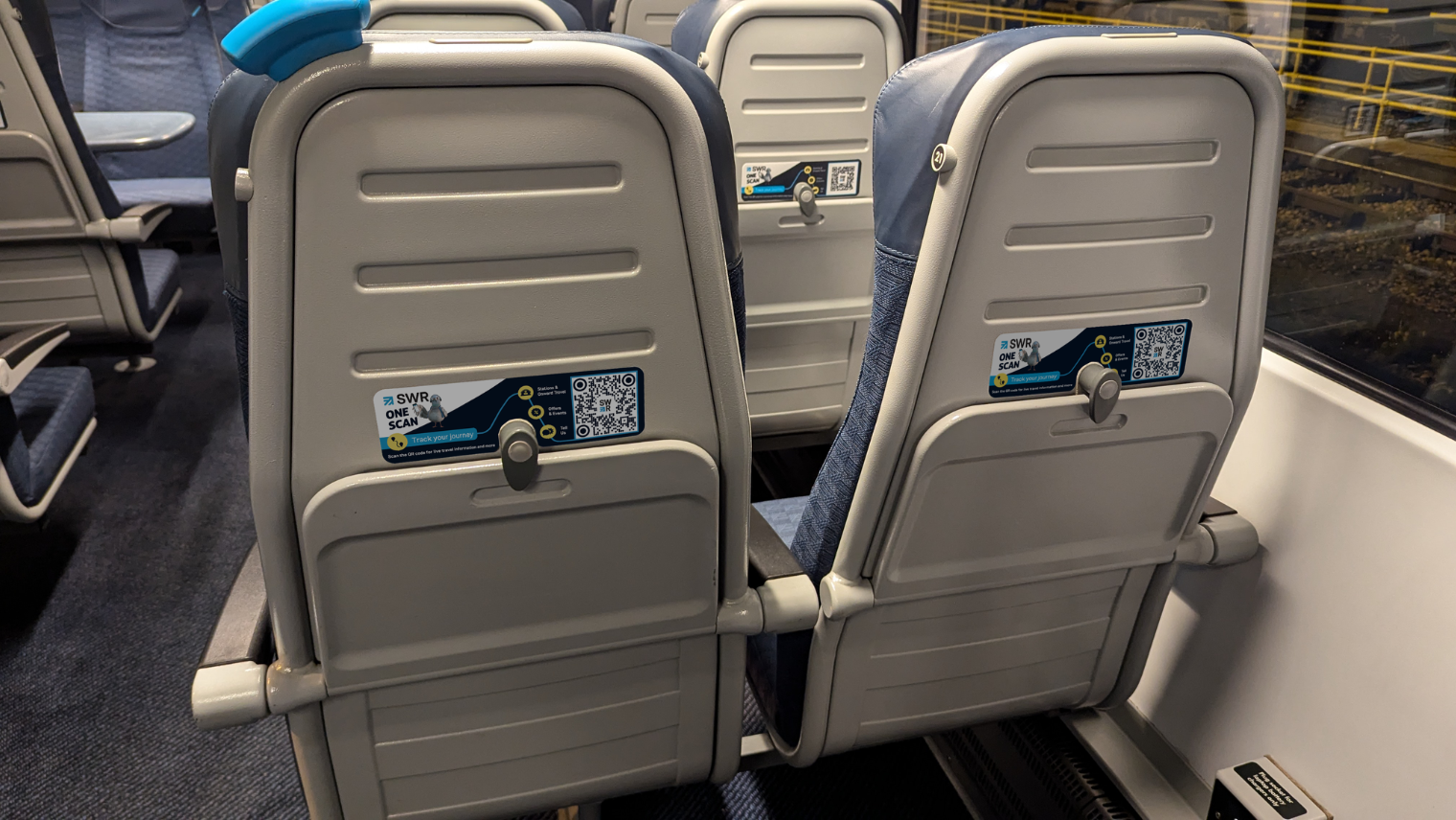
seats inside of the train

sign in the station

What to Do When Arriving at Your Station

When you get to your station, make sure you have all your things with you.

The guard will open the doors. If the doors don’t open press the button on the side of the doors and they will open.
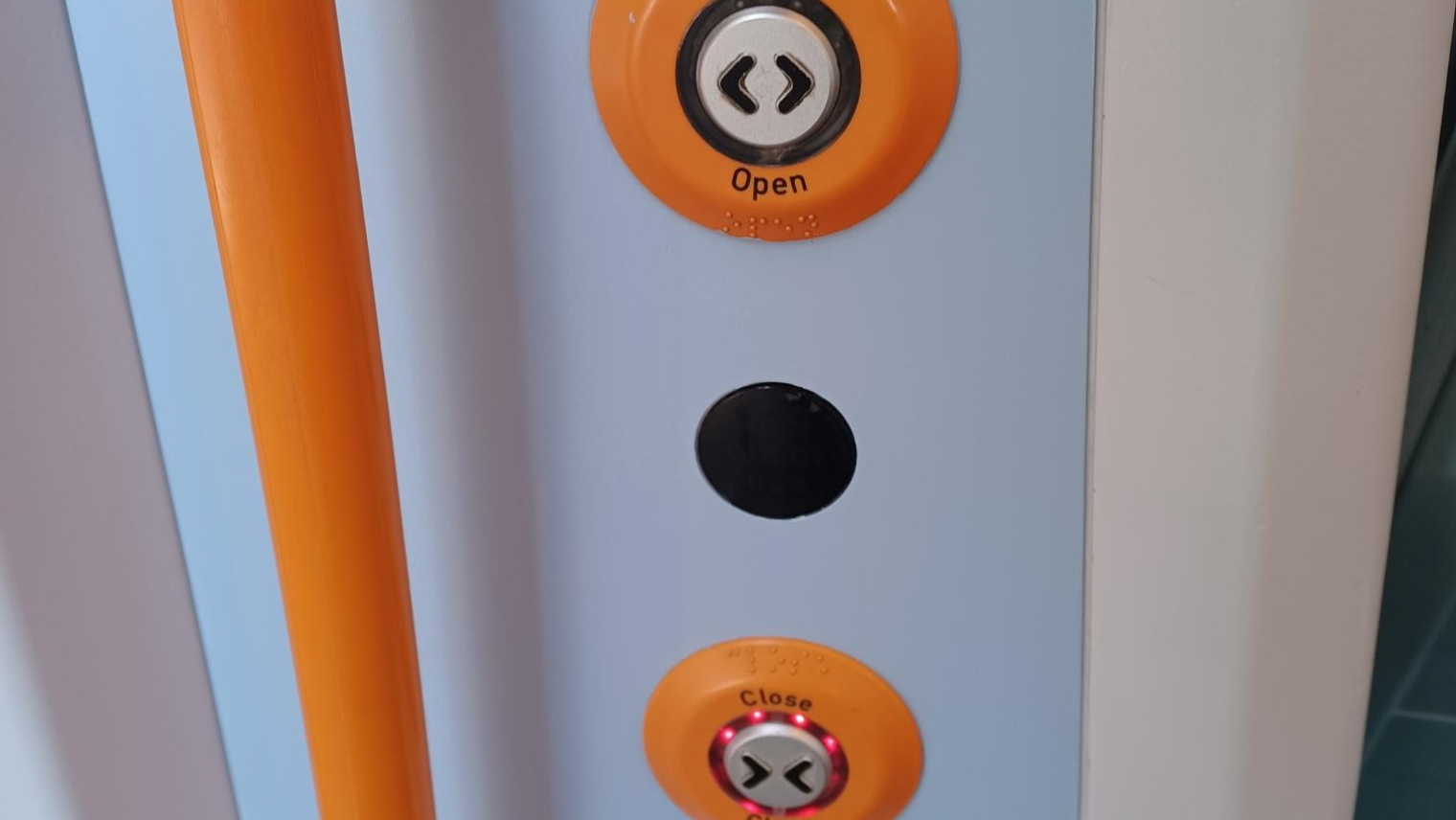
buttons to open and close the train door

Mind the gap between the train and the platform edge.

How to exit the station

Find the way out signs. To check whether a station has a lift, visit its dedicated station page for full accessibility details.

What to do with your ticket

You will need your ticket to go through the ticket barriers to leave the station, either scan your ticket or put your ticket in the machine and the gates will open.

A member of staff will be able to help you.
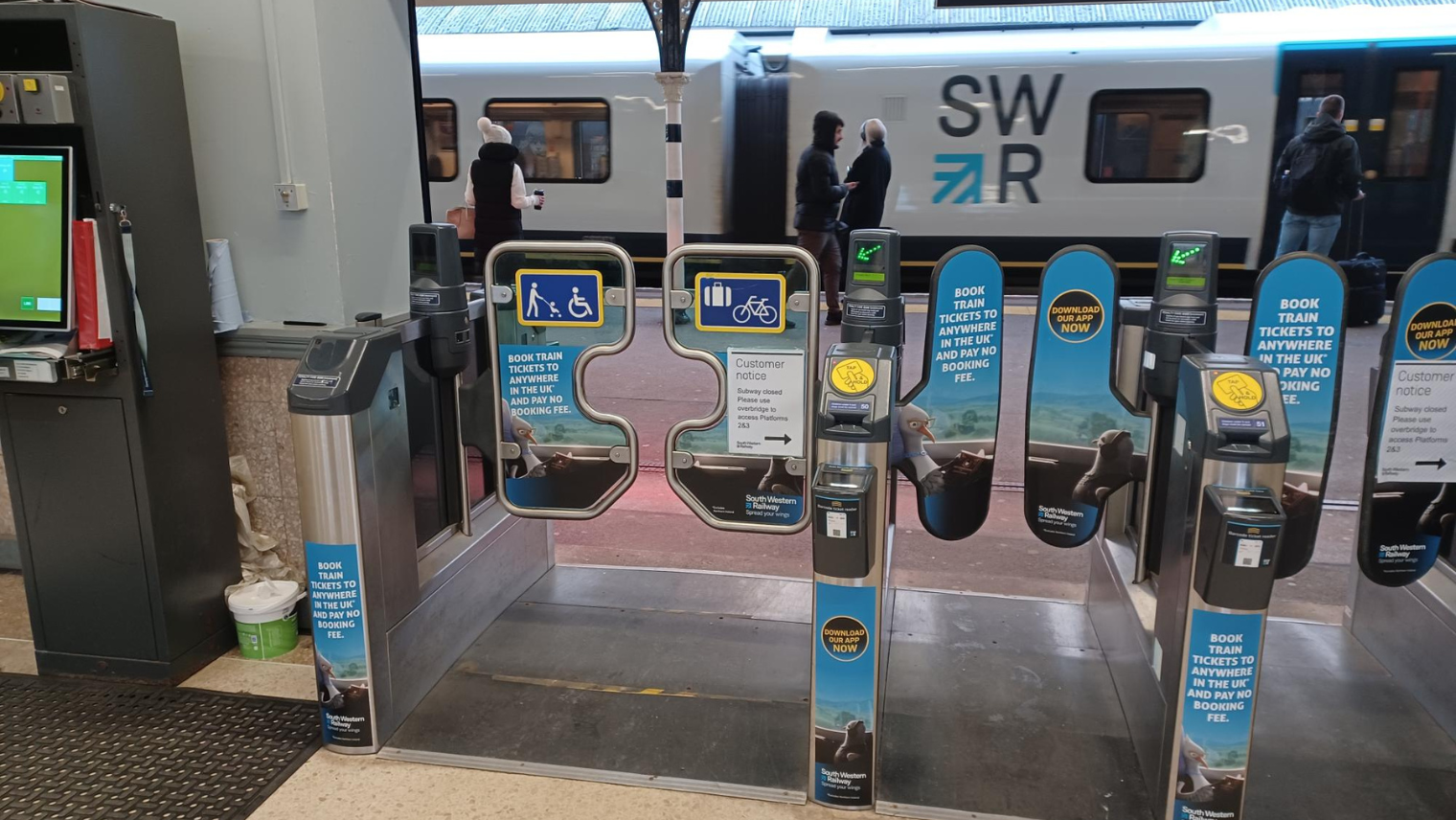
Platform gate

What to do if the station has no barriers

Not all our stations have ticket barriers, if you are using a SWR Smartcard, an Oyster card or contactless payment, please tap your card on the validator before leaving the station.

ticket machine outside of the station

Who to ask for help

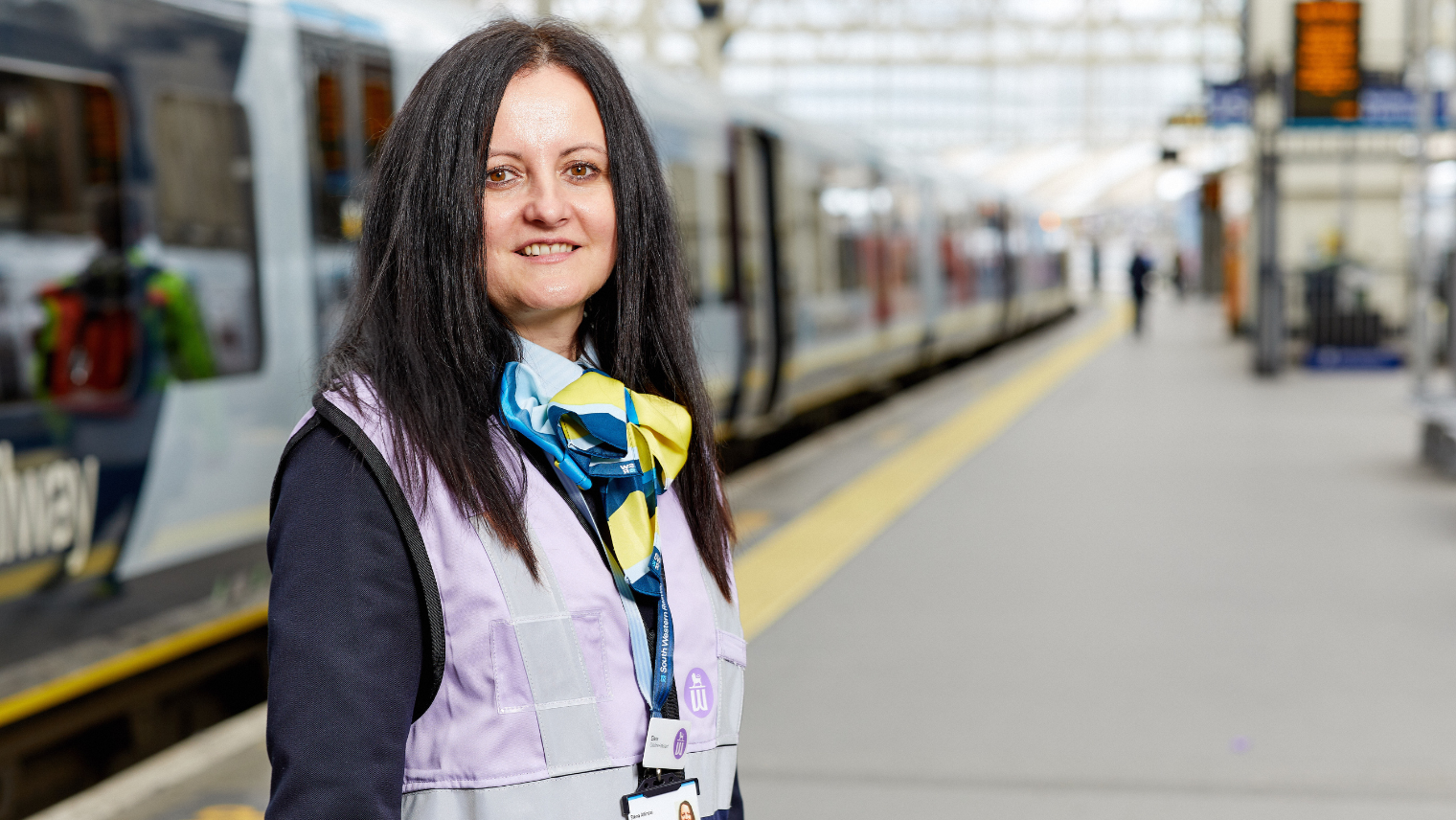
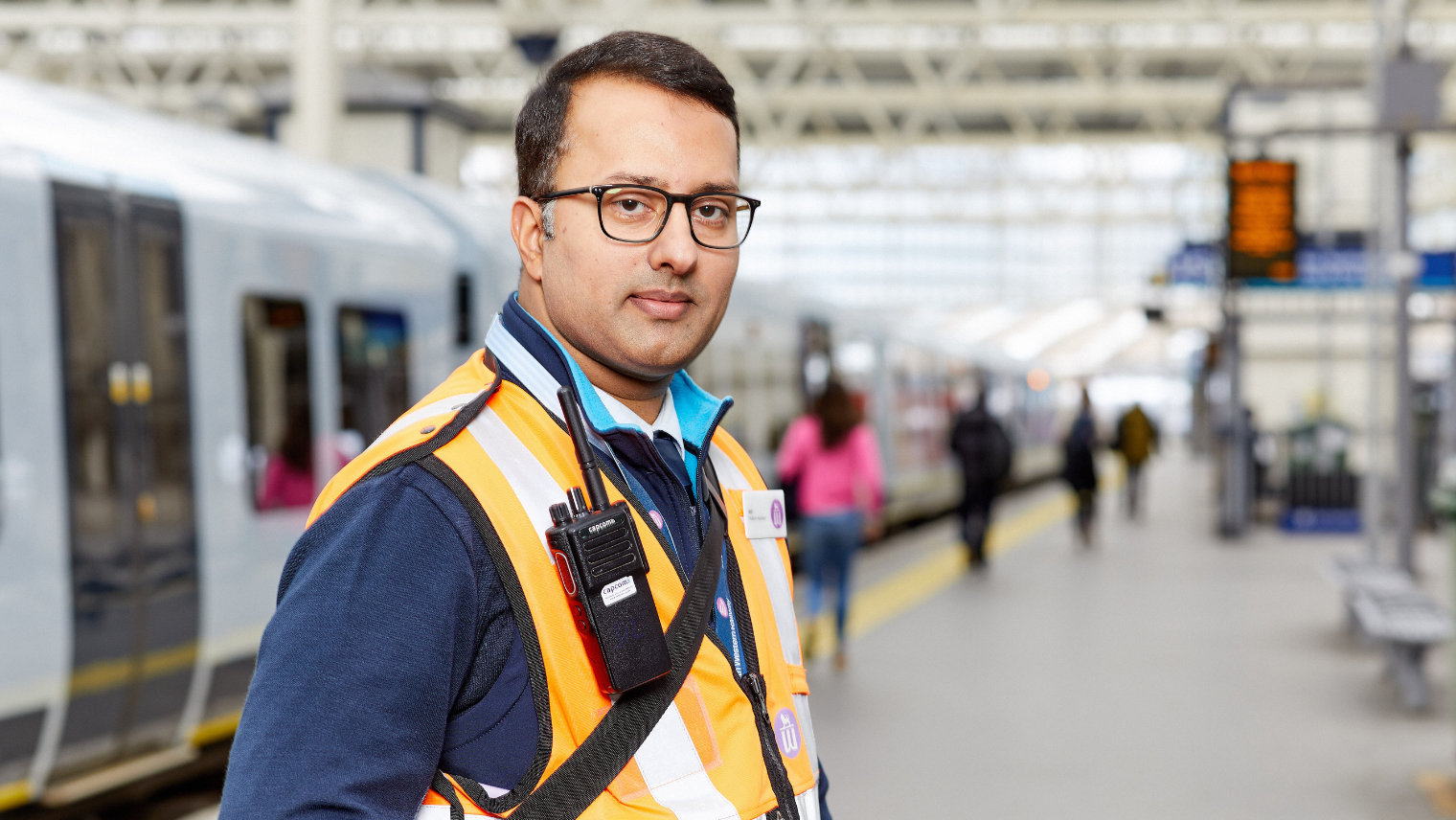
We are there to help you, SWR staff wear a blue uniform, but will also be wearing a Hi Viz jacket. They come in different colours, but everyone will be able to help you or direct you to someone who can help.


person in a train platform
person in front of train gate

Example of member of staff.

Answers to questions you might find useful

Information

What information can I find out on the SWR App?
What is the best way to get in touch with us?
How do I find out information about my train before I get to the station?
I am worried about travelling by train and I don’t know what to do?
What should I do if I feel unsafe at the station?
Helpful Contacts

At the Station

Is there anywhere on the station that I can wait where it will be quiet?
How do I find out which train I need to get
What happens if I find talking to strangers hard?
Can I get help at the station to help me on the train

Buying a ticket

What happens if I can’t get a ticket at the ticket machine and the ticket office is closed
How do I get a discount on my ticket?

On the train

What happens if I struggle with sensory overload?
What happens if the train is busy and I need a quiet space?
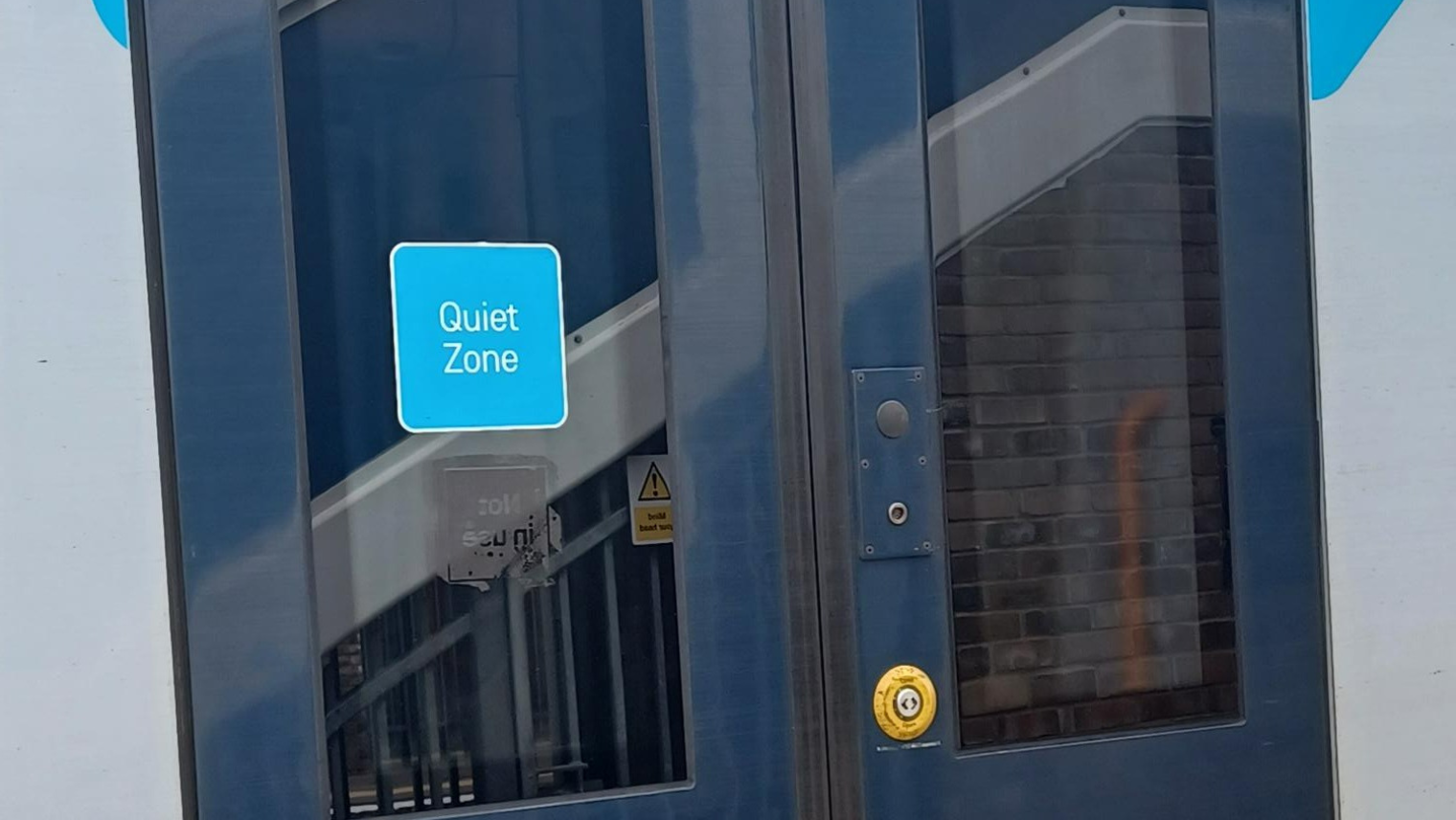
What happens if I can’t find the quiet zone on the train and the train is noisy?
Why don’t the windows open on the train?
Why are trains so bright?
I need to help finding a seat on the train

During disruption

What happens if the trains aren’t working and I am stuck somewhere?
What happens if my train in cancelled?
What happens if there is a rail replacement bus?

Helpful contacts and links

  • British Transport Police (BTP) – Text 61016, Telephone 0800 40 50 40 or visit their Website.
  • National Autistic Society – Visit their website.
  • To view facilities at the station and information on bus replacements. National Rail Enquiries – Visit their website.
  • South Western Railway – Customer Services – 0345 6000 650, visit our website or download SWR App
  • Visit Railcard.co.uk for information about different railcards.